
 LinkBack URL
 About LinkBacks



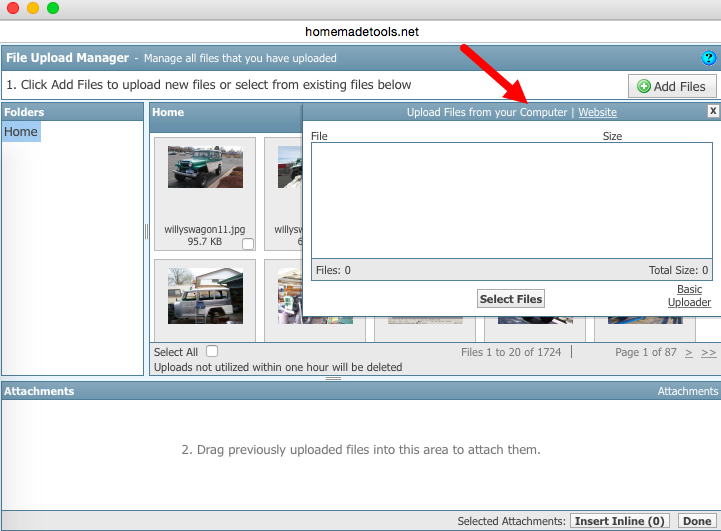
You should be able to click the "Manage Attachments" button on your new post screen, then click "Add Files" then click the "Computer" link, and then you should be able to upload a bunch of photos an once.
Once they're uploaded, I like to click "Insert Inline" at the bottom-right, to insert the images directly into the post.
Let me know if that works for you.


 Reply With Quote

Bookmarks