Free 186 More Best Homemade Tools eBook:  
New: 300+ fresh build posts/day from 275 forums → BuildThreads.com

User Tag List

Results 1 to 10 of 13

Thread: Soldering Iron saver

Threaded View

  1. #1
    Supporting Member garage nut's Avatar
    Join Date
    Jul 2017
    Location
    Port Elizabet, SA
    Posts
    246
    Thanks
    92
    Thanked 464 Times in 115 Posts

    garage nut's Tools

    Soldering Iron saver

    I have bought quite a few cheap soldering irons in my life only to forget them on and after 2 hours they are dead.

    So I bought an expensive soldering iron, Now it is lasting but the tips are more expensive than a complete cheap soldering Iron.


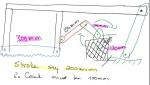
    So the answer was really simple. Fabricate a soldering iron stand that will turn the iron off after a set time if not in use.

    How to do.

    I used a standard 4 x 4 surface mount electrical box to house everything in.

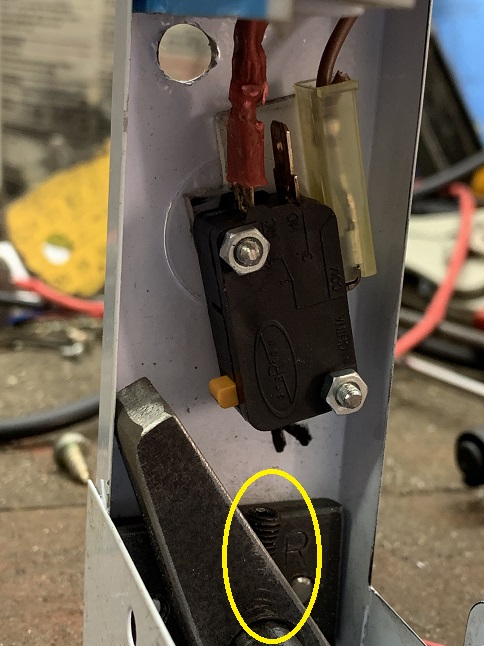
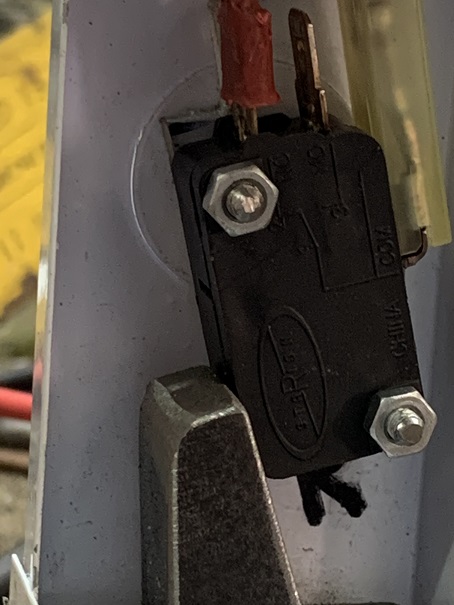
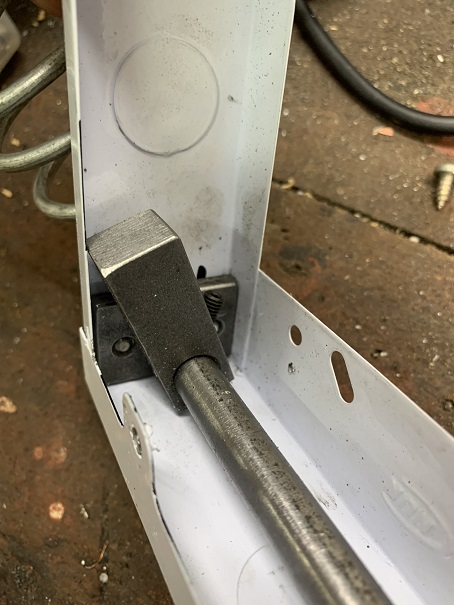
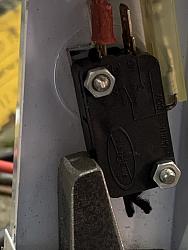
    Some 25 x 5 flat bar inserts inside to help my shaft pivot smoothly and a adjustable tab to activate a hefty 220V rated micro switch.

    Click image for larger version. 

Name:	SISaver 1.jpg 
Views:	458 
Size:	115.0 KB 
ID:	32973

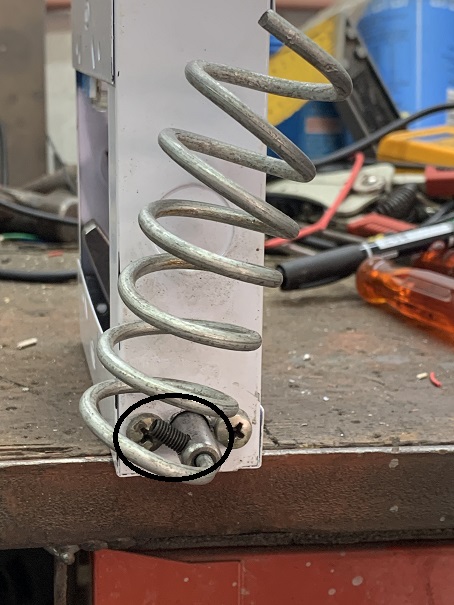
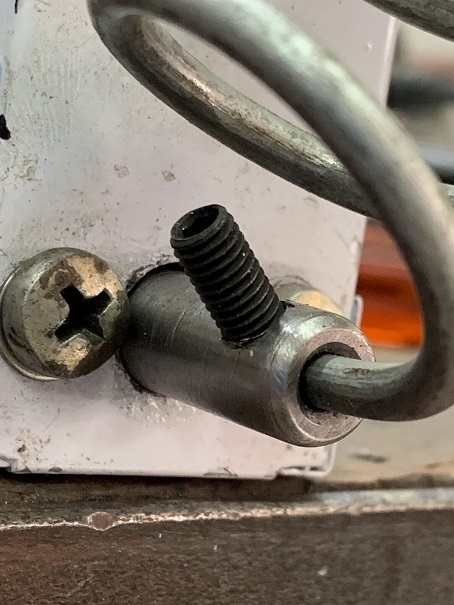
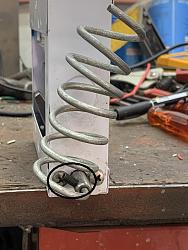
    Then on the end of the shaft a coil of 4mm wire for storing the iron when not in use. Similar to what the commercial stand have. I also made this adjustable, so the weight of the iron will activate the switch.
    Click image for larger version. 

Name:	SISaver 2.jpg 
Views:	405 
Size:	107.4 KB 
ID:	32974 Click image for larger version. 

Name:	SISaver 3.jpg 
Views:	416 
Size:	84.2 KB 
ID:	32976 Click image for larger version. 

Name:	SISaver 5.jpg 
Views:	433 
Size:	107.5 KB 
ID:	32978

    To stop the shaft moving from side to side I fitted another tab on the other inside of the box. This is also adjustable, this time to protect the switch from being smashed if something heavy would fall on the sire holder.

    Click image for larger version. 

Name:	SISaver 6.jpg 
Views:	402 
Size:	96.6 KB 
ID:	32977

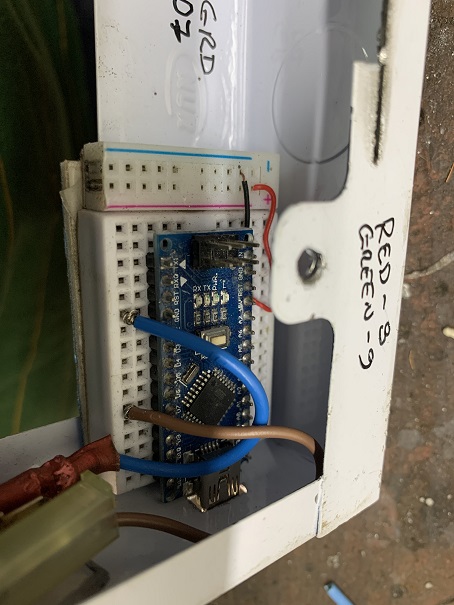
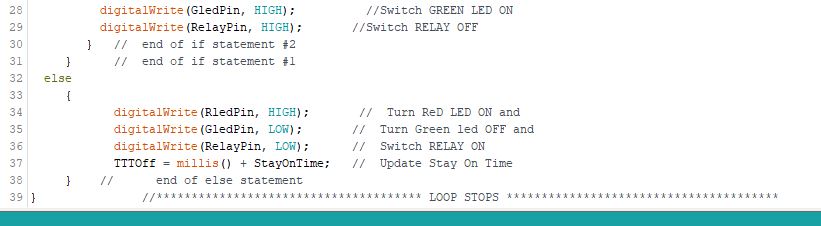
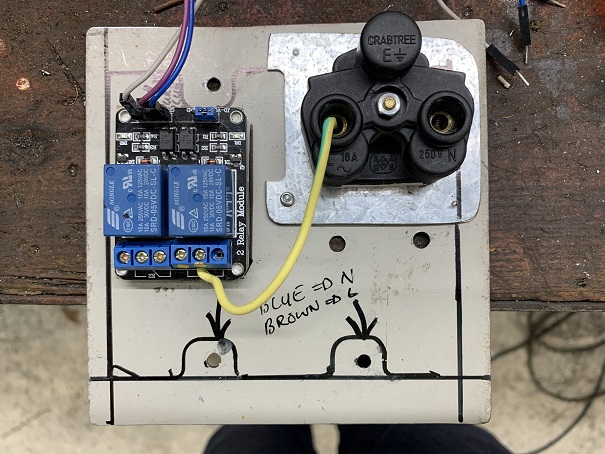
    Then I used an Arduino Nano to do the programming.

    Click image for larger version. 

Name:	SISaver 7.jpg 
Views:	362 
Size:	97.9 KB 
ID:	32979

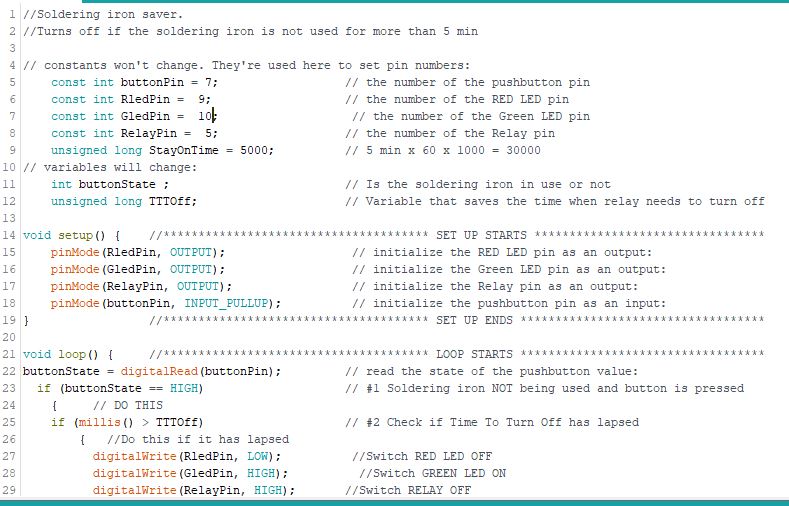
    I can send the code if somebody is interested.
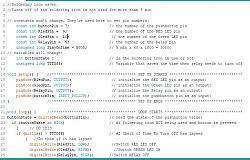
    Click image for larger version. 

Name:	Program 1.JPG 
Views:	431 
Size:	92.6 KB 
ID:	32980 Click image for larger version. 

Name:	program 2.JPG 
Views:	429 
Size:	35.0 KB 
ID:	32981

    The logic is to capture the time once the micro switch is made and then add a pre determined length of time to that. As the Arduino is running at 16 MHz it will the continuously check if that "Calculated Time" matches the "Current Time" if it is TRUE it means the time has lappsed and you have not used the soldering iron for that time, so it turns the power off.

    I have mounted it in such a manner that the USB is accessible, for 2 reasons:-
    1) I can use my newly built Power Pack as a power source and
    2) I can easily change the "ON" time on the Arduino.

    I have used a duel RELAY MODULE because they were cheaper than the single units at the time I ordered them.
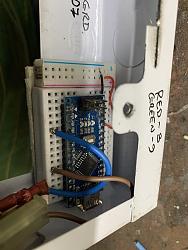
    Click image for larger version. 

Name:	SISaver 7.jpg 
Views:	362 
Size:	97.9 KB 
ID:	32979 Click image for larger version. 

Name:	SISaver 8.jpg 
Views:	418 
Size:	136.2 KB 
ID:	32982

    Video not great, but I have to learn.

    In the video I have set the time to 5 Sec just to prove it works and used a light bulb as an indicator.

    Now I can go back to cheap soldering irons.

    Attached Thumbnails Attached Thumbnails Click image for larger version. 

Name:	IMG_0306.jpg 
Views:	368 
Size:	135.3 KB 
ID:	32975  

  2. The Following 7 Users Say Thank You to garage nut For This Useful Post:

    blkadder (Jan 12, 2020), Christophe Mineau (Jan 6, 2020), darkoford (Jan 13, 2020), freddo4 (Sep 6, 2024), Jon (Jan 6, 2020), Tonyg (Jan 9, 2020), Toolmaker51 (Jan 6, 2020)

Thread Information

Users Browsing this Thread

There are currently 1 users browsing this thread. (0 members and 1 guests)

Bookmarks

Posting Permissions

  • You may not post new threads
  • You may not post replies
  • You may not post attachments
  • You may not edit your posts
  •