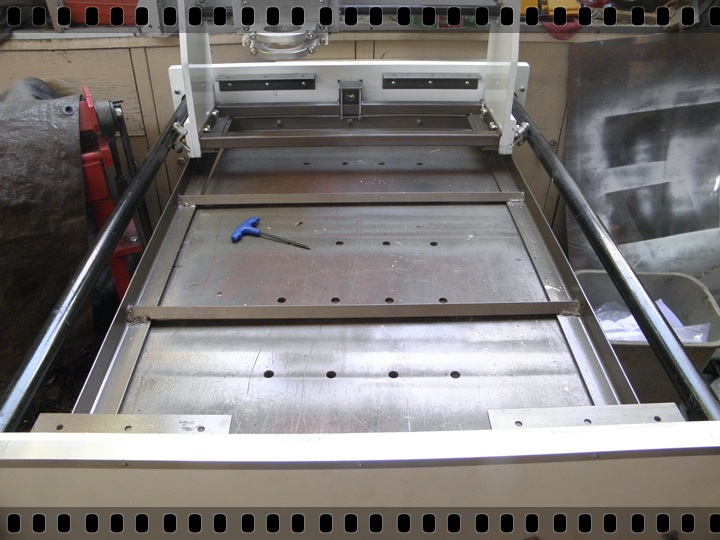
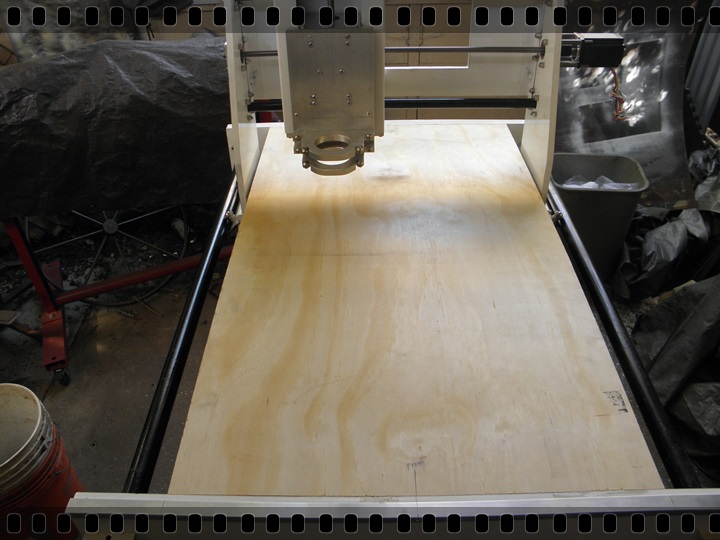
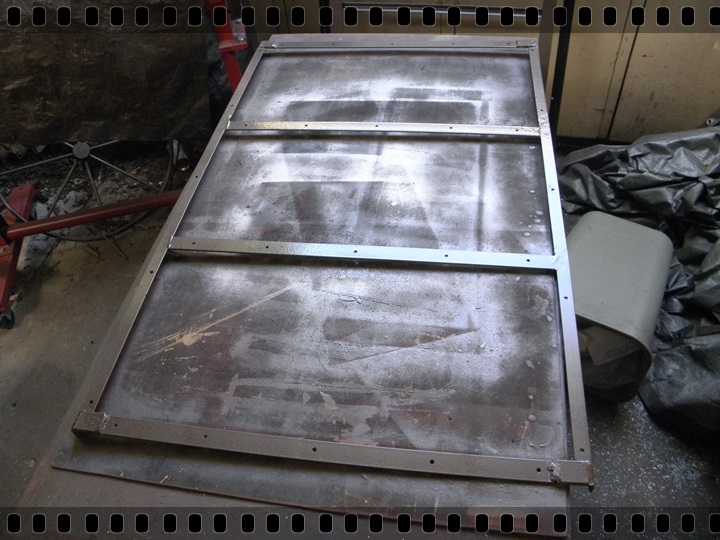
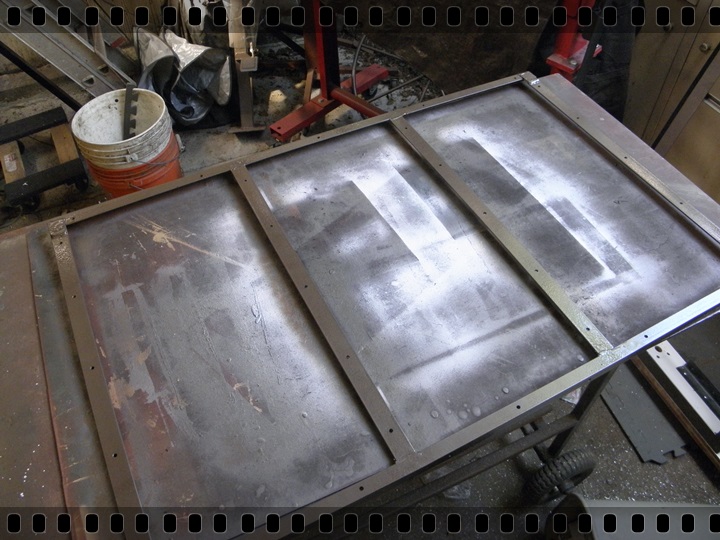
Last edited by Captainleeward; Oct 14, 2016 at 06:03 PM.
Paul Jones (Oct 9, 2016), PJs (Oct 11, 2016)
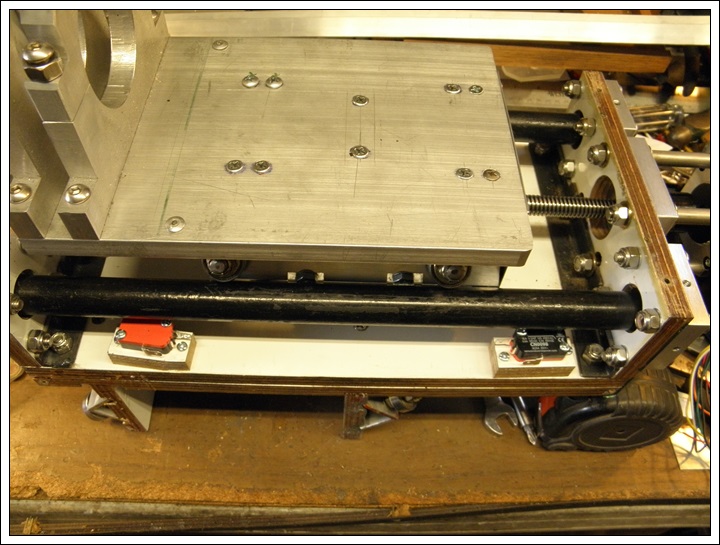
Waooo, good progress !
Looking forward to seeing it at work !
It will be powerful, I'm sure.
Well done Captain,
see you
Christophe
Cheers !
Christophe
________________________________________________________________
Visit my Website : http://www.labellenote.fr/
Facebook : La Belle Note
All my personal works, unless explicitly specified, are released under
Creative Commons BY-NC-SAlicense.
Ah, Mach3. The other CNC controller. I use LinuxCNC myself. Mach3, and LinuxCNC are both forks of the same NIST EMC code base. That's something not many folks know. They're a lot different now though. Personally I don't see why anyone would shell out money for abandonware, as opposed to running the same thing free, and open source. Well, like I said, a lot of folks just don't know.
In life what you don't know does tend to cost too. The LinuxCNC configuration Wizard is pretty straight forward. There's no menus. Just a succession of windows, with forward, and back buttons. Stepper Configuration Wizard
Paul Jones (Oct 17, 2016)
PJs (Oct 21, 2016)
I think you're loony tunes for buying $2,000 worth of software in the first place. Go get a copy of this and see what free software can do F-Engrave Why, it even runs on Windows. Although frankly I don't know how well that version works. I just run the Python script in Linux. Although it only accepts certain format images. So you will have to know how to do file conversions. That may be a bit technically challenging for you? I use this free software to convert images to a format that F-Engrave can handle https://www.gimp.org/ Just use the export feature it has.
I use a completely free tool chain here and it works well enough for me.
Last edited by pfredX1; Oct 18, 2016 at 06:50 AM.
There are currently 1 users browsing this thread. (0 members and 1 guests)
Bookmarks